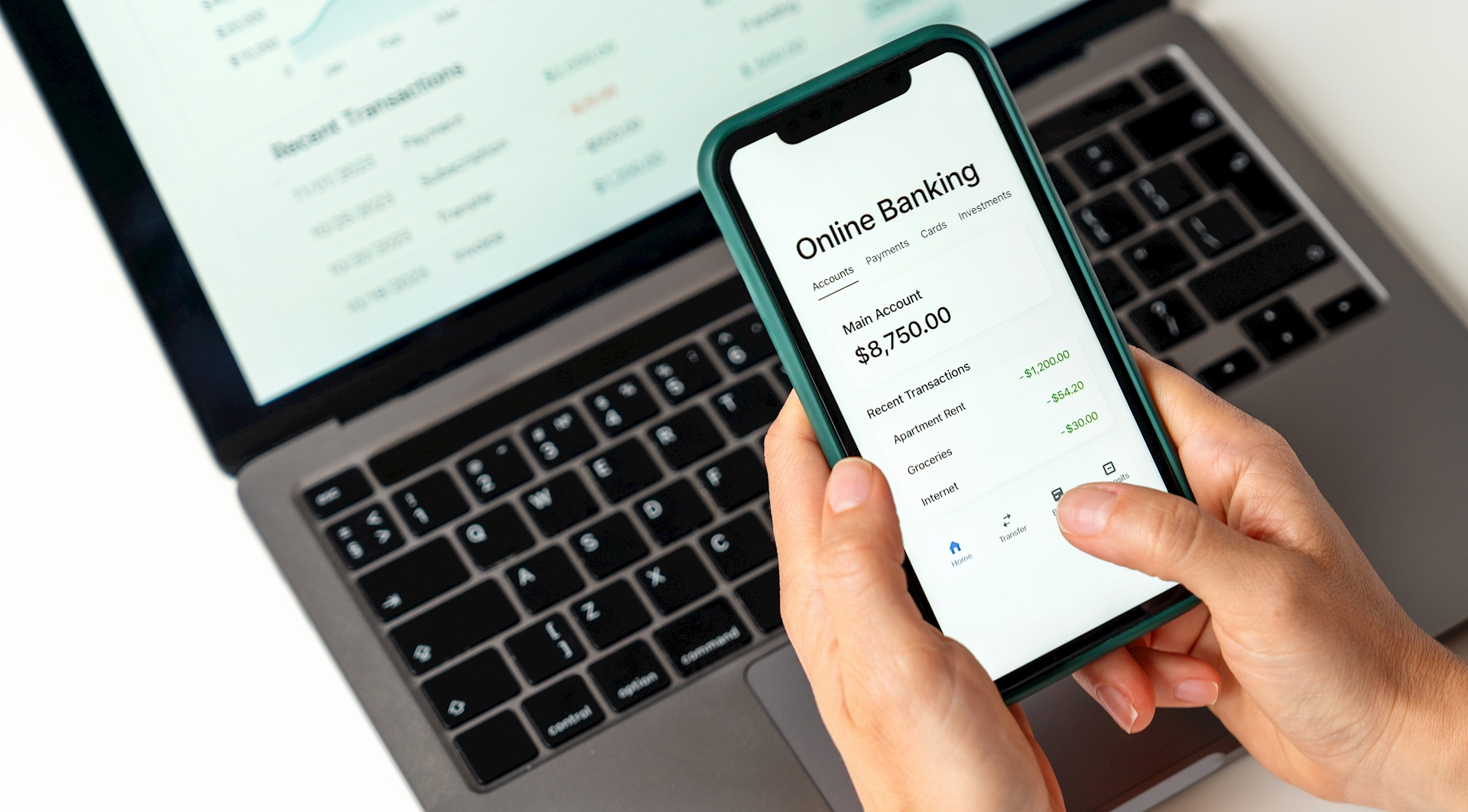
Mobile banking has become a convenient and essential tool for residents across Central Illinois. Whether you’re tracking spending, transferring funds, or checking your balance on the go, mobile banking offers a level of flexibility that traditional banking alone can’t match. But with that convenience comes a responsibility to stay informed and cautious. Many people unknowingly make simple errors that expose their information, cause unnecessary stress, or lead to avoidable financial issues.
Fortunately, understanding the most frequent mobile banking mistakes can help you use your account safely and confidently. With some awareness and good digital habits, you can protect your information, keep your money secure, and enjoy the benefits of mobile banking without worry.
This guide by Warren-Boynton State Bank outlines the top five mistakes users make and provides practical advice on how to avoid them.
Mistake #1 — Using Weak or Reused Passwords
One of the most common—and most dangerous—errors is using weak, predictable, or reused passwords across multiple accounts. People often reuse passwords because they're easy to remember. However, this convenience comes with a major security risk. When a password is leaked in a data breach on one website, fraudsters often test it across other platforms, including banking apps.
Strong passwords are your first line of defense in mobile banking. If your login credentials are easy to guess, you’re giving cybercriminals a direct path into your financial life.
A secure password should be long, complex, and difficult to predict. Avoid including personal details such as birthdays, names of children, pets, or anything publicly visible on social media. These details are often the first things cybercriminals attempt to exploit.
Mistake #2 — Ignoring App Updates and Security Alerts
Mobile banking apps regularly release updates designed to improve security, fix bugs, and enhance the user experience. Many users ignore or postpone updating their apps, assuming it’s not urgent. Outdated apps pose a significant security risk. Cybercriminals often exploit vulnerabilities in older versions of applications because they know many users delay updates.
Similarly, security alerts from your bank—such as suspicious login attempts or unusual activity—are easy to overlook when life is busy. But these alerts are designed to protect your money and should always be taken seriously. Failure to respond quickly could allow unauthorized activity to continue for longer than necessary.
Updating your app isn't just a best practice; it’s a critical step in protecting your financial information. Think of app updates as routine maintenance on your home or vehicle: they’re small steps with significant long-term benefits.
Mistake #3 — Using Public Wi-Fi for Mobile Banking
If you’ve ever checked your bank account while sitting in a coffee shop, airport, or hotel lobby, you may have exposed sensitive financial information without realizing it. Public Wi-Fi networks are convenient, but they’re not secure. Hackers often monitor public networks to intercept usernames, passwords, and other private data.
Mobile banking should always be done on a secure network, such as your home Wi-Fi or your mobile data connection. Even if the public network requires a password, it still may not be safe. Cybercriminals often gain access to these networks or set up fake hotspots that look legitimate.
When it comes to your financial security, it’s better to wait a few minutes until you’re on a trusted connection. A small delay could prevent major problems down the line.
To reinforce your online security habits, consider exploring additional protective steps such as multi-factor authentication, online account monitoring, or fraud prevention tips—all valuable resources that strengthen your digital safety.
Mistake #4 — Not Reviewing Account Activity Regularly
Mobile banking makes it easier than ever to keep an eye on your account, yet many people don’t check their activity as often as they should. Regular monitoring is one of the most effective ways to detect unusual or unauthorized transactions early. Small charges often go unnoticed, but these minor amounts may be the first sign that your information has been compromised.
Reviewing your activity also helps you stay aware of recurring charges, upcoming payments, or accidental subscriptions you may have forgotten about. It’s a simple step that keeps you in control of your financial habits.
When reviewing your account, make sure you understand each transaction. Apps often show merchant names that can appear unclear. If something looks unfamiliar, investigate it right away. Doing so helps avoid larger issues and gives you peace of mind that your account is safe.
Regular check-ins also help you catch potential budgeting issues before they escalate. With many families in Central IL managing busy schedules, sports, childcare, and household costs, maintaining financial awareness supports better long-term decision-making.
Mistake #5 — Falling for Scams and Fake Notifications
Fraudsters today are increasingly sophisticated. Fake notifications, fraudulent emails, and deceptive text messages often appear convincing—sometimes even mimicking the exact language your financial institution uses. These scams are designed to trick you into clicking malicious links, downloading harmful attachments, or sharing sensitive information.
Recognizing the red flags of fraud is essential. Legitimate banking alerts will never ask for your full Social Security number, complete account numbers, or mobile banking password. Any message that pressures you to act urgently or threatens to close your account is likely a scam.
Understanding the difference between legitimate and fraudulent communication is important in preventing identity theft. If a message seems suspicious, don’t respond, click links, or download attachments. Instead, navigate to your banking app directly or contact your bank through official channels.
Staying aware of scam tactics can also help you identify broader signs of phishing emails, online fraud, and identity theft prevention—key topics that empower you to stay safe online.
How to Avoid Mobile Banking Mistakes (Quick Reference List)
Here are some practical steps that can help protect your account:
- Create strong, unique passwords for all financial apps.
- Enable multi-factor authentication when available.
- Keep your mobile banking app updated.
- Avoid public Wi-Fi when accessing financial information.
- Review your account activity frequently.
- Be cautious with unexpected emails or text messages.
- Never click suspicious links related to financial accounts.
- Log out after each mobile banking session.
Implementing these steps adds an extra layer of protection for your financial information and encourages better long-term security habits.
Building Safer Mobile Banking Habits in Central IL
Mobile banking is a powerful tool that offers convenience, flexibility, and control. However, it also requires responsibility. By taking simple precautions, you can reduce your risk of falling victim to cyber threats and better protect your personal and financial information.
Whether you're monitoring your spending, managing household budgets, or staying organized on the go, mobile banking plays a major role in everyday life. Residents across Central IL can benefit from understanding these common mistakes and taking proactive steps to avoid them. When you stay informed and alert, it becomes much harder for cybercriminals to access your information.
Good mobile banking habits don’t develop overnight. They come from awareness, practice, and a willingness to stay up to date on evolving security trends. The more you understand how to protect yourself digitally, the more confidently you can manage your finances.
If you haven’t reviewed your digital safety habits in a while, now is the perfect time to start. Take a few minutes to assess your passwords, update your apps, and ensure your devices are running the latest security features. These small steps make a big difference in your long-term financial protection.
Staying safe online starts with awareness—and you’re already taking the right steps by learning more today. Contact Warren-Boynton State Bank to learn about your banking options.
Our Locations:
New Berlin | 217.488.6091
Modesto | 217.439.7267
Springfield | 217.787.0430
Palmyra | 217.436.2411